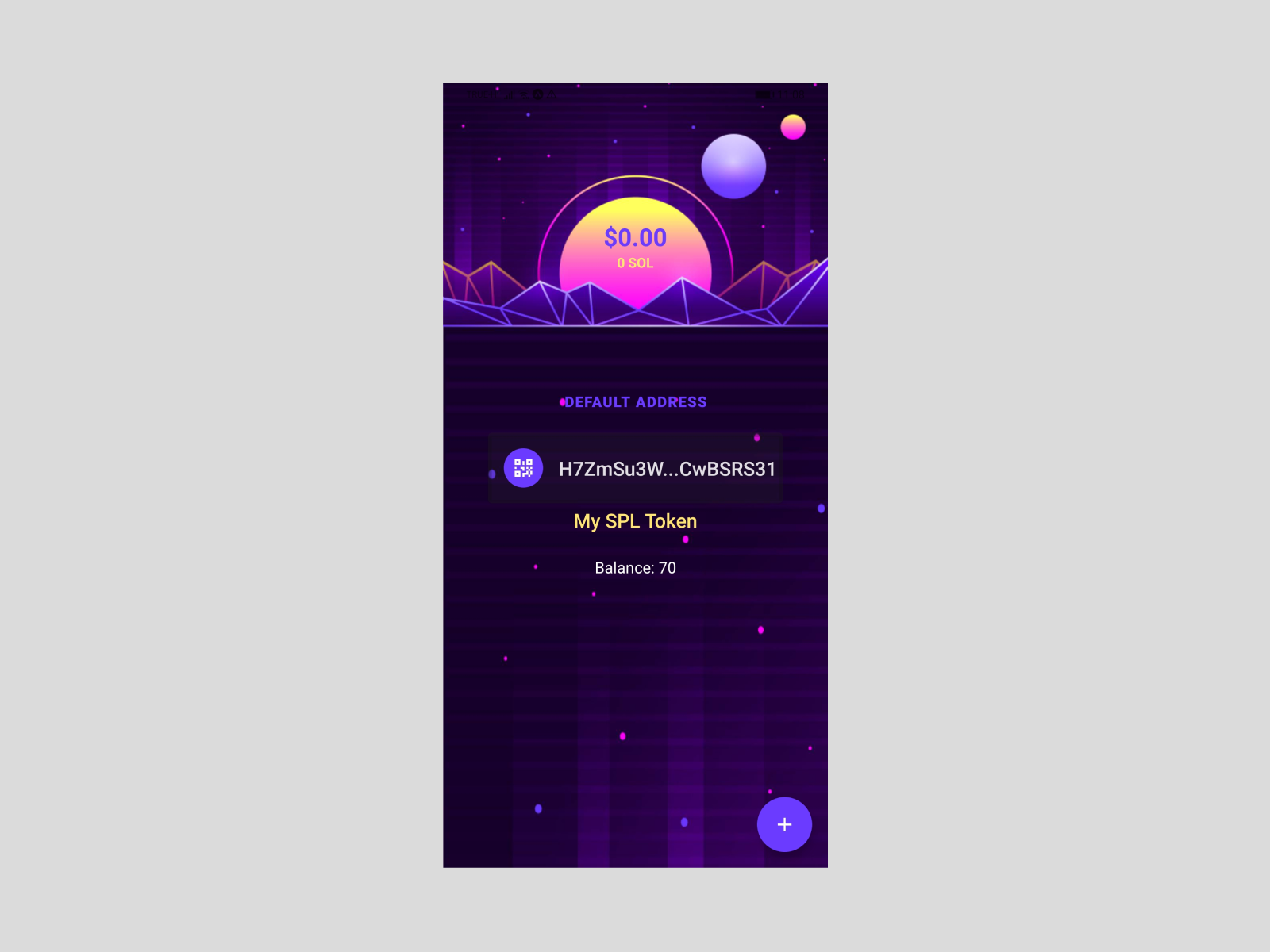
Now that the Wallet App has implemented the basic operations to:
- Create Accounts
- Get Balances
- Receive SOL
- Send SOL
- Request an Airdrop
It’s the turn of integrate SPL Tokens.
What is a SPL Token?
The Solana Program Library or SPL is the token standard of the Solana Blockchain, similar to ERC20 on Ethereum.
SPL Tokens can be traded on Serum, a Solana based decentralized exchange.
Token Program
Token Program defines a common implementation for Fungible and Non Fungible Tokens and it’s written in Rust language.
Create a SPL Token
Basically to create a SPL Token we only need to do:
$ spl-token create-token
And token is created!
Creating token FyUYPbYiEFjC5LG4oYqdBfiA6PwgC78kbVyWAoYkwMTC

Signature: 3HSD2YwV5vVhqq4kvPQKRqcn52dkZQZreUKzR8AuQLJmiuDvwwPTsG7hdLrhhv7QMe6PS38Mx2i6xM9RgQKRnVh8
Later, we should use a few commands more to provide supply, mint or transfer to different accounts.
You can find a complete example at Solana Token Program page.
Integrate SPL Tokens in our Wallet App
To be able to interact with this new token on the Wallet App there are a few changes to do:
First, we need to add a new package:
$ yarn add @solana/spl-token
If you followed the complete example that I linked before you probably noticed that when transfer a SPL Token to a wallet, an Associated Token account is created:
$ spl-token transfer --fund-recipient FyUYPbYiEFjC5LG4oYqdBfiA6PwgC78kbVyWAoYkwMTC 20 7q6PYSw2dCYfw74igJtDB4iodhCrGBvUg78TnScK6kZj

Transfer 20 tokens
  Sender: GjmE9KUtCAxBqkX1ssg8wghAazEmh9EZ8y7aRUzFzyHZ
  Recipient: 7q6PYSw2dCYfw74igJtDB4iodhCrGBvUg78TnScK6kZj
  Recipient associated token account: 49Yg872M2qMMTPewboNZn5uzjeyLqFVyQ86p3LbC1C1z

Signature: 4GJ78dsa4cq6zSkNJnHknAZFiMc113BHL33pzyVabyQpxd5iCezUNL5J1FAzrDM6mVwZuJANbGVeBNqzcv76ueJG
At this moment in our Wallet we only know our Main account so we need to ask for the associated token account before get the Balance.
import { PublicKey } from '@solana/web3.js';
import { TOKEN_PROGRAM_ID } from '@solana/spl-token';

const SPL_ASSOCIATED_TOKEN_ACCOUNT_PROGRAM_ID: PublicKey = new PublicKey(
  'ATokenGPvbdGVxr1b2hvZbsiqW5xWH25efTNsLJA8knL',
);

async function findAssociatedTokenAddress(
    walletAddress: PublicKey,
    tokenMintAddress: PublicKey
): Promise<PublicKey> {
    return (await PublicKey.findProgramAddress(
        [
            walletAddress.toBuffer(),
            TOKEN_PROGRAM_ID.toBuffer(),
            tokenMintAddress.toBuffer(),
        ],
        SPL_ASSOCIATED_TOKEN_ACCOUNT_PROGRAM_ID
    ))[0];
}
You can read about here: Associated Token Account Program.
Once, we retrieve the Associated Token Account we can get the balance:
const getTokenBalance = async (publicKey: string, splToken: string) => {
  const connection = createConnection();

  const account = await findAssociatedTokenAddress(
    publicKeyFromString(publicKey),
    publicKeyFromString(splToken)
  );

  const balance = await connection.getTokenAccountBalance(
    publicKeyFromString(account.toString())
  );

  return balance.value.amount;
}
Here you can see the commit to the repository.
This is a very first and simple implementation that needs some improvements:
- Do some updates to do design of the App
- Add the possibility to add different tokens
- Fixes for Mobile. Right now I still have some hardcoded code (in node_modules not pushed yet) to be able to run it on Expo, because some dependencies not included in React Native